
A browser an agent starts for itself is signed in to nothing. The Selan Browser Extension lets Claude Code, Claude Desktop and Selan's remote agents open and work tabs in the Chrome you already use, with the sessions you already have.
Set it up
- Add it to Chrome from the Chrome Web Store. It needs Chrome 126 or later.
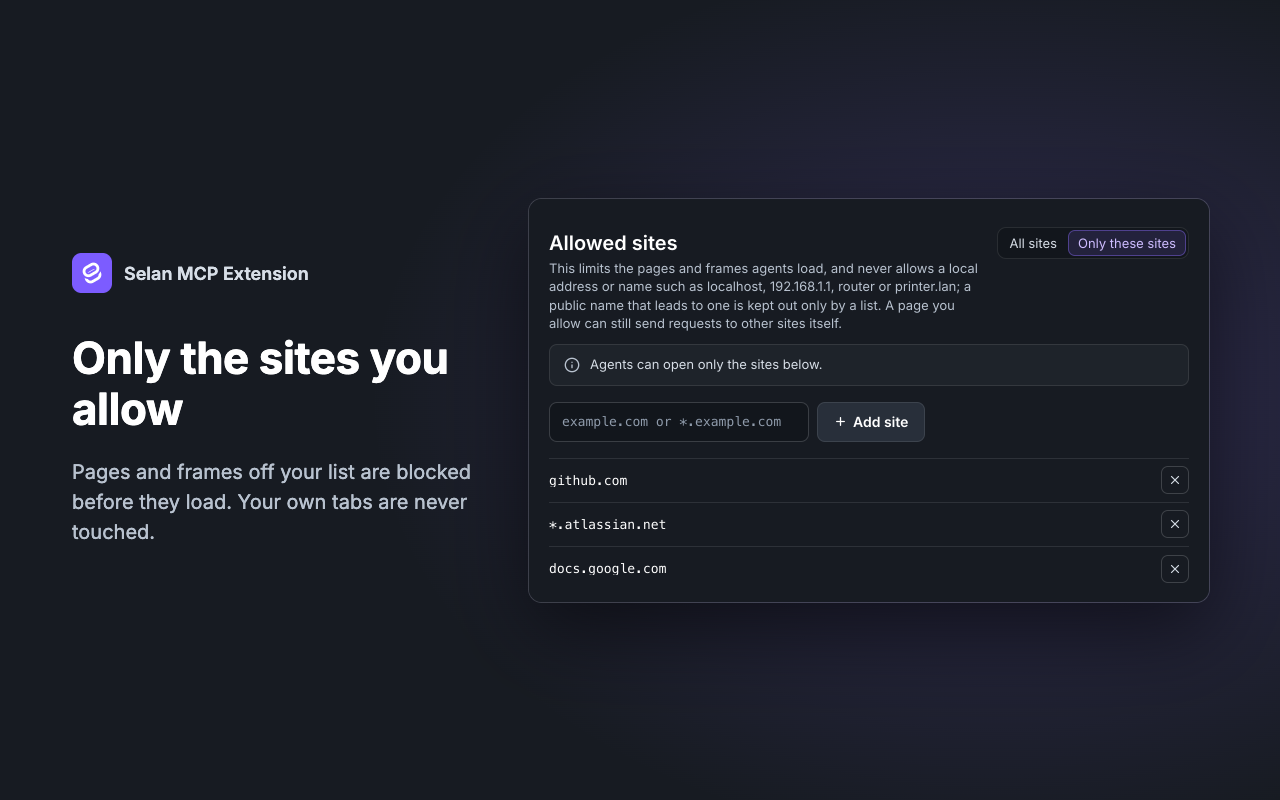
- Open its Settings and add the sites agents may use under Allowed sites. A new install allows none.
- An owner switches on Browser Extension under Connections in Selan, and each developer turns it on for Claude Desktop, the CLI or both on their own Connections page.
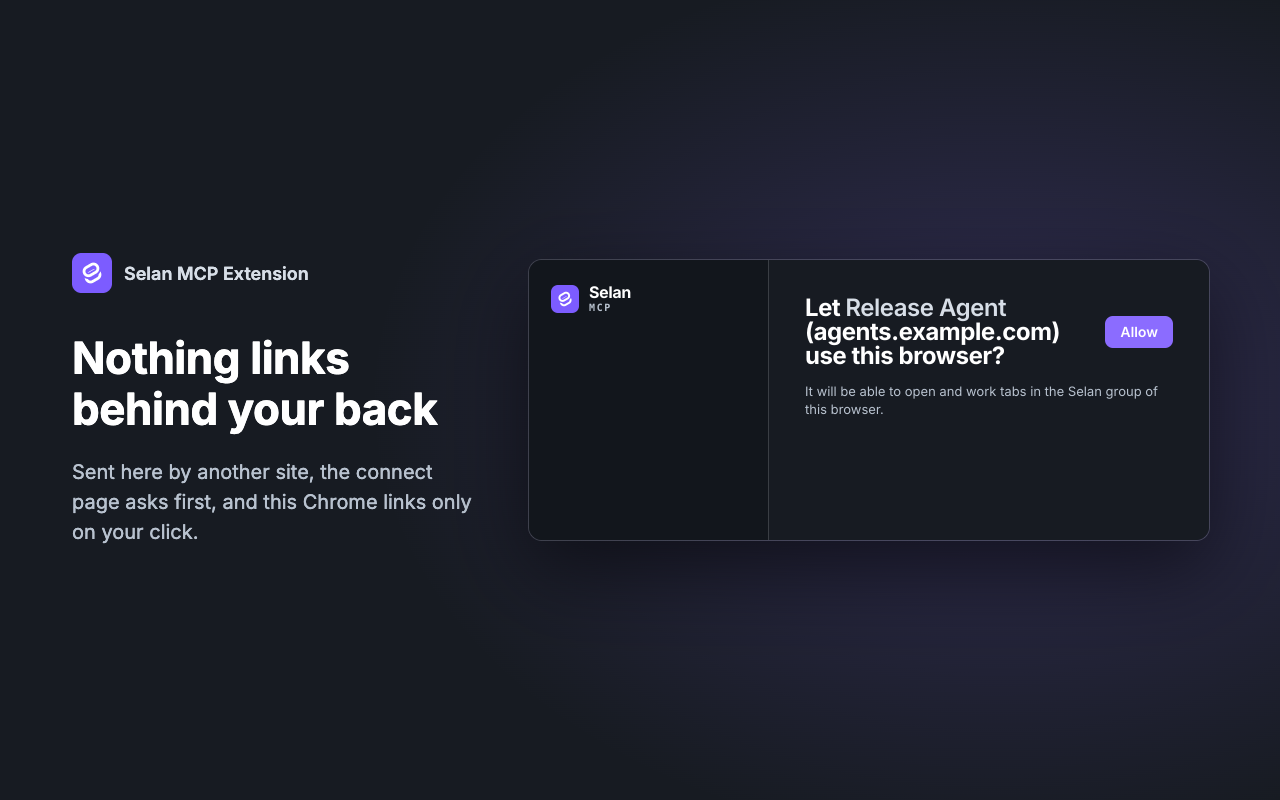
The first time Claude uses it, a connect page opens in your browser, and connecting there is what links this Chrome. Claude Code on the same machine connects straight away. Any other application is named on the page, and nothing connects until you allow it. Any other MCP client adds the server by its URL:
https://mcp.selan.ai/extension/mcp
Use it
Ask in plain words, in Claude Code or Claude Desktop, for something that needs a page you are signed in to:
Go to github.com, find the pull requests waiting for my review and list them.
Claude opens a tab in the Selan group and works in it much as you would. It can read the page, follow links, click, type and scroll, and close the tab afterwards. If it needs a site you have not allowed, the extension refuses and Claude asks you to add it.
A Selan remote agent connects the same way: it gives you a link, and you open it in the Chrome you want the agent to use.
Where it can and cannot go
- Agents act only in tabs the extension opened itself. Your own tabs are never read or touched, and a tab you drag into the group stays out of reach.
- Never on a local address or name, whatever the settings say:
localhost, private and link-local addresses, and.local,.internal,.lanand.home.arpanames. - Never on
chrome://pages, other extensions' pages, files on disk ordata:pages. - It never reads password fields, the other fields in a form that has one, or fields marked as secret, such as one-time codes and card numbers.
Yours to stop
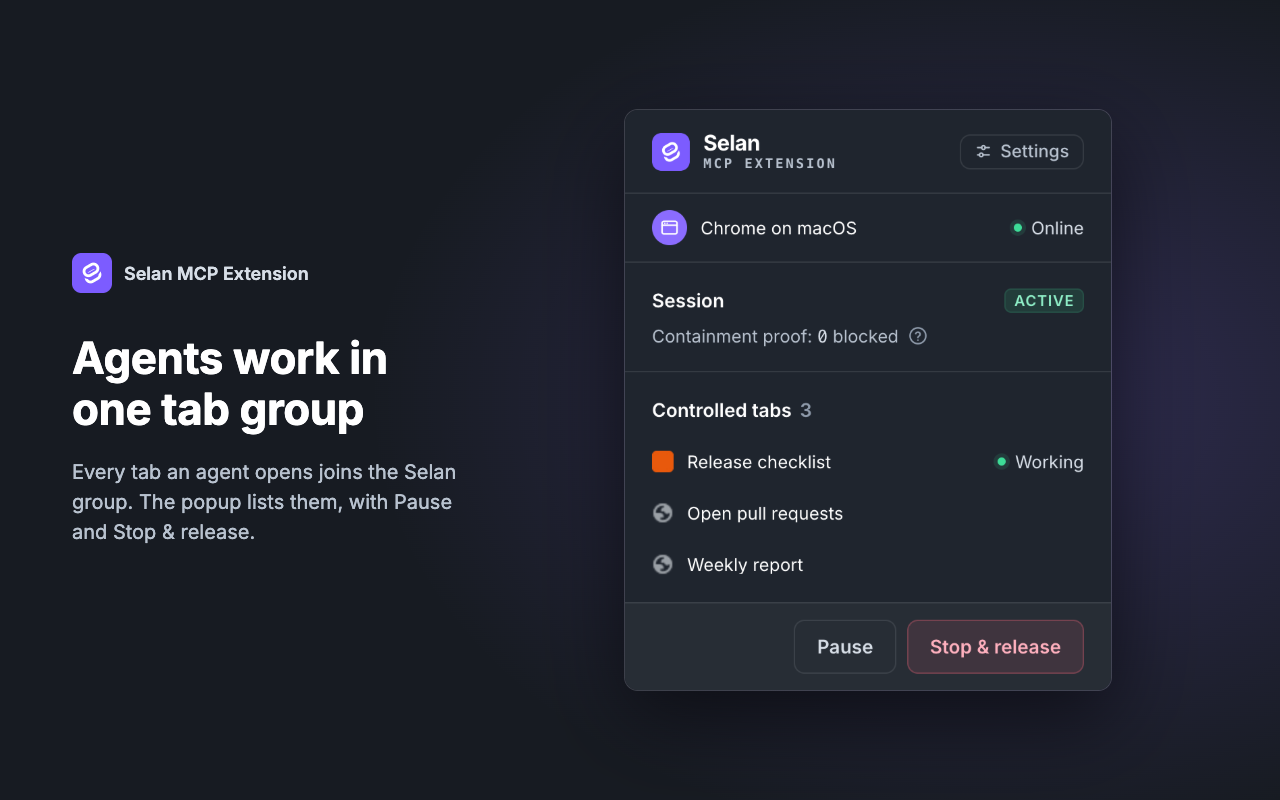
The popup shows the tabs agents control and how many loads the extension has blocked. Pause refuses every command until you resume, and Stop & release closes the agents' tabs. Settings lists every connected client with its own Disconnect, and Unlink revokes the browser and every client at once.