
Sometimes you need to know exactly what an app shows at one moment: the screen when a sign-in fails, or what your phone shows when an agent asks you something. The usual place to look is a design file, and it shows what someone drew a few months ago. The app shows what shipped, and the two drift further apart with every release.
If you write about the app, build on it or design its next screen, that drift costs you. You either trust a drawing that is out of date, or you install the app and click through it until you reach the state you need, if you can reach it at all.
brandbook.selan.ai shows Selan's apps as they ship. It covers Selan Reactor on iOS and Android and the Selan MCP Extension for Chrome: every screen in every state, the components, colours and type, and the journeys through each app, all drawn from the apps' own code.
What is in it
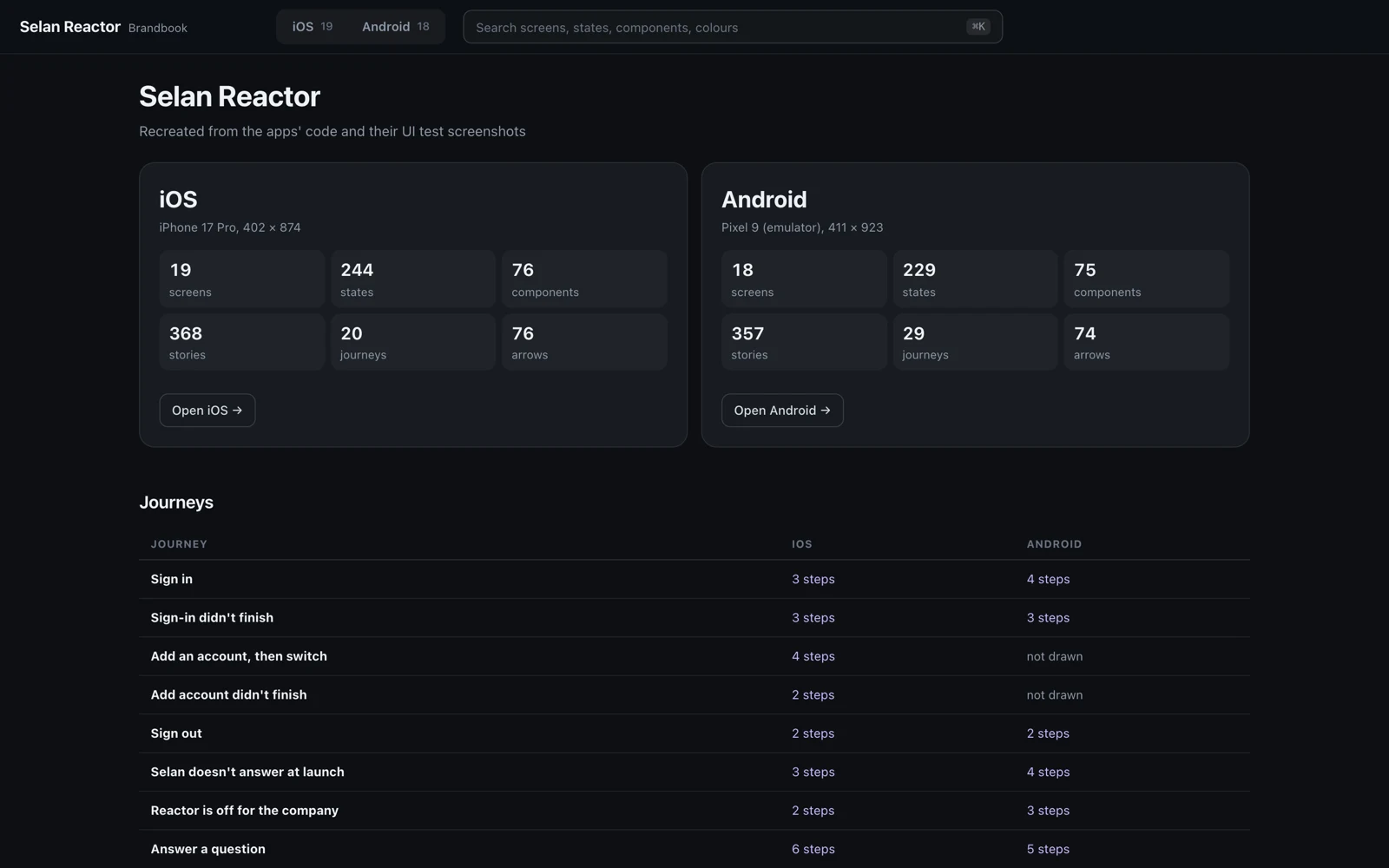
Reactor's brandbook currently has 19 screens and 244 states on iOS, and 18 screens and 229 states on Android, with 20 and 29 journeys through them. The extension's has 10 screens and 54 states, recreated from its code, its connect page and its Chrome Web Store screenshots.
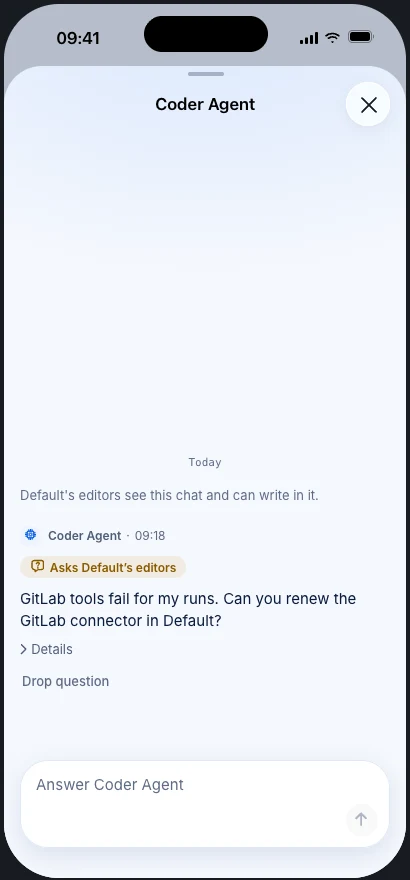
A journey goes step by step through real screens, such as answering an agent's question from your phone. Each screen is drawn beside a screenshot of the app wherever there is one, with how closely the drawing matches it, so you know which drawings to trust. Press ⌘K to search for any screen, state, component or colour.
Make one for your own app
The brandbooks are made with whatishipped, an open-source Claude Code skill. Point it at an iOS, Android or web front-end repository and ask for what you need: the whole app, one flow, or just the design system. Add it to Claude Code with:
/plugin marketplace add selan-ai/whatishipped
/plugin install whatishipped@whatishipped
Then open Claude Code in the app's repository and ask it to "Make a brandbook of this app." The README explains how it reads the code and where it finds the screenshots it measures each drawing against.