
You switch on Figma in Claude Desktop, press Connect, sign in to Figma in the browser, and Figma answers "OAuth app with client id … doesn't exist". You try again with the same result. Nothing in your account or your company's settings is wrong.
Figma's own MCP server only lets the apps on its list sign in. Claude Desktop is allowed to register, and is then refused at the last step of the sign-in. Figma decides who is on it, so no setting on your side could fix this, and Figma in Claude Desktop didn't work at all.
Selan now gives Claude Desktop a Figma connector of its own. It talks to Figma's REST API instead of Figma's MCP server, so Figma's list doesn't apply. Claude Code keeps Figma's own server, which signs it in as before.
Connect it
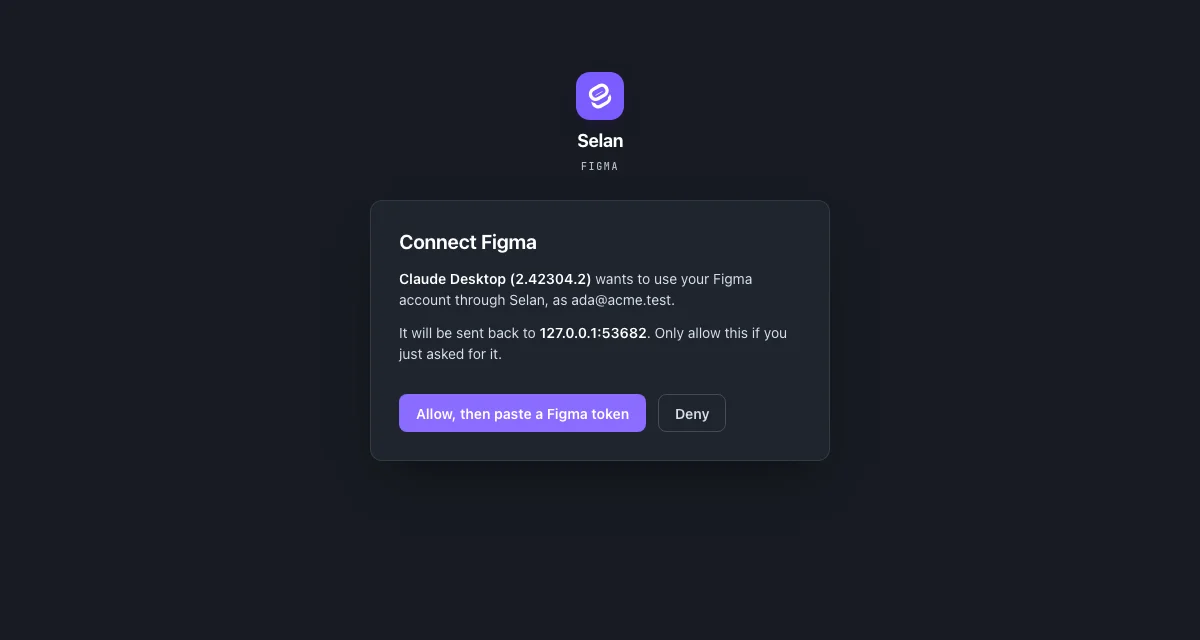
In Claude Desktop, connect Figma as usual. The browser opens on Selan: sign in to Selan if you aren't already, then allow the connection.
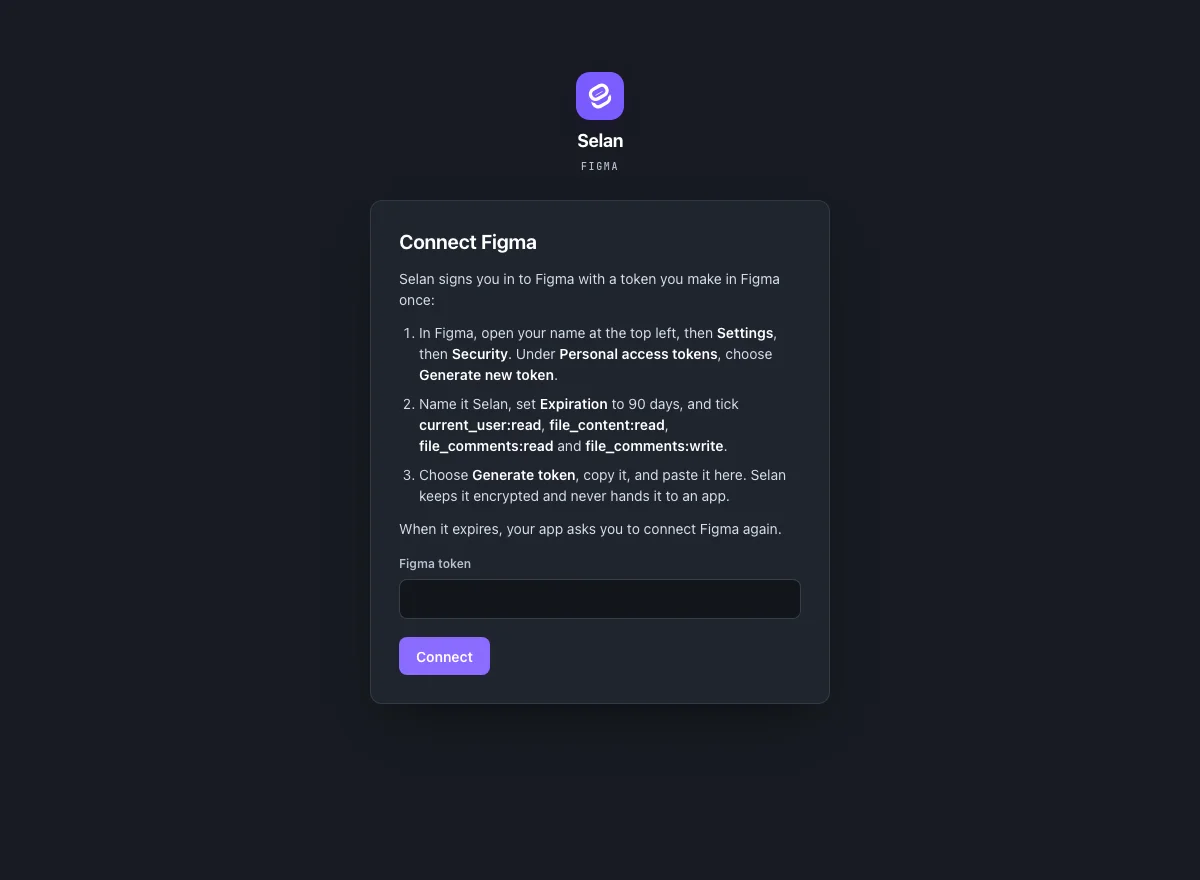
The next page asks for a Figma personal access token. In Figma, open your name at the top left, then Settings, then Security, and under Personal access tokens choose Generate new token. Name it Selan, set Expiration to 90 days, and tick current_user:read, file_content:read, file_comments:read and file_comments:write. Choose Generate token, copy it, paste it on Selan's page and press Connect. The browser hands you back to Claude Desktop with Figma connected.
Selan checks the token with Figma before it keeps it, so a token copied short or one that has expired is refused on the spot and you can paste another. The token stays encrypted in Selan and never reaches Claude Desktop. When it expires, Claude Desktop asks you to connect Figma again.
What Claude can do with it
Give Claude a Figma link, the way you'd share it with a colleague. A link to a frame or a branch works too. Claude can:
- read a file's pages and their top-level frames;
- read a frame's design: each layer's position and size, text and font, colours as hex, corner radius, auto layout, effects and the component an instance comes from;
- look at a frame as Figma renders it, up to four at a time;
- read a file's comments, and post one pinned to a frame or as a reply;
- say which Figma account it is signed in as.
Claude sees only the files your Figma account can open, and every comment is posted under your name.
Two limits
Figma limits how often each person can read files and render images, and the limit depends on your seat. A View or Collab seat gets only a handful of file reads a month, while a Dev or Full seat gets several a minute. When you hit it, Claude says which limit it was and when to try again.
Figma's design-to-code tools, such as turning a frame into code with Code Connect, belong to Figma's own MCP server. Claude Code still uses that server, so those tools are still there in Claude Code.
Every connector and how it signs in is on MCP connections.