
A browser your agent starts for itself is signed in to nothing, so it cannot see the pull requests waiting for your review, your team's ticket board or the dashboard you open every morning. And your agent may not be Claude.
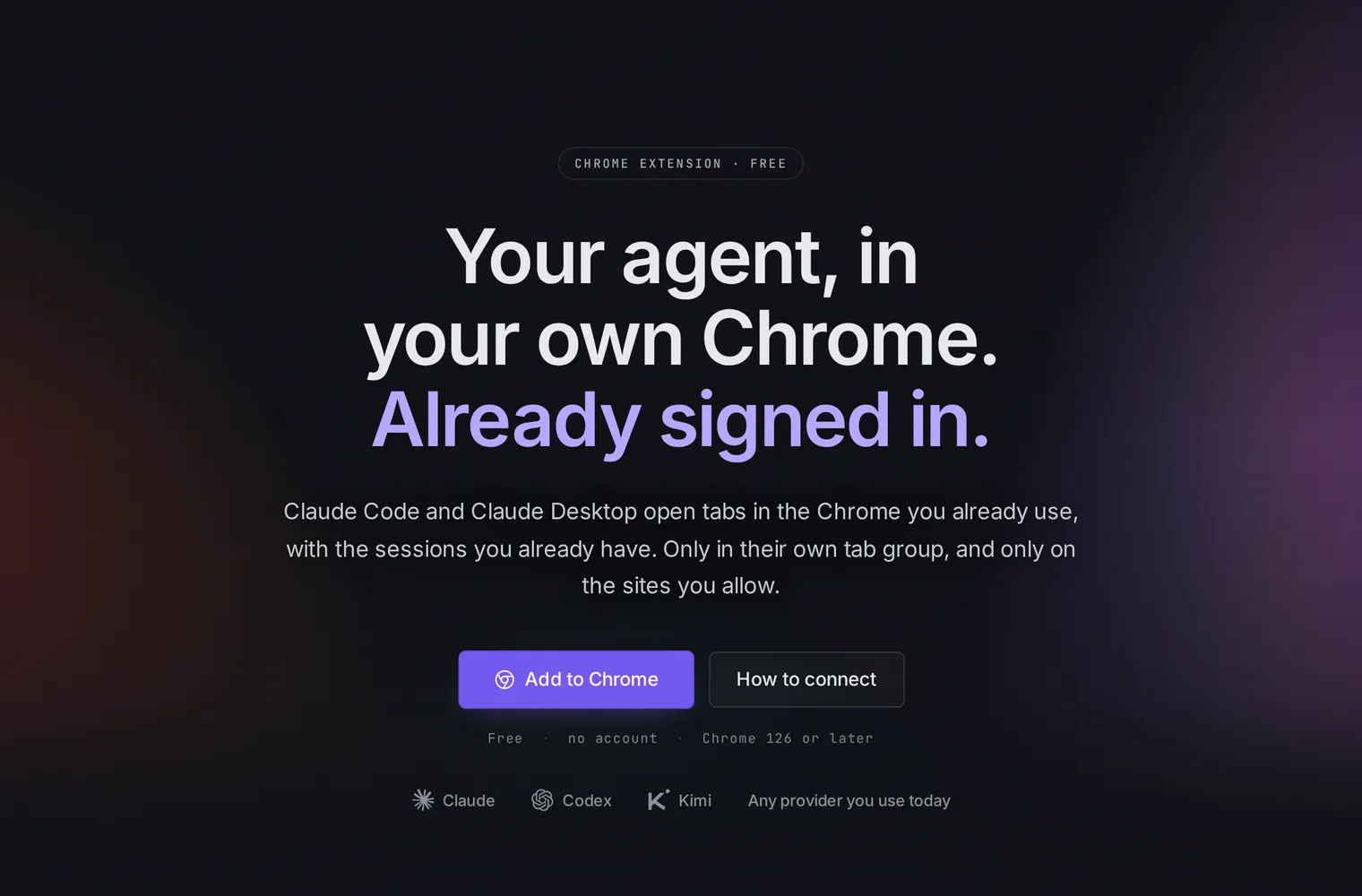
Until today the Selan Chrome extension came through a Selan company, and an owner had to switch it on under Connections. Now anyone can add it to Chrome and connect an agent to it, with no Selan account. The agent need not be Claude: any MCP client works, including Claude Code, Claude Desktop and claude.ai, ChatGPT, Codex and Cursor.
Set it up
Add it to Chrome from the Chrome Web Store. It needs Chrome 126 or later. Open its Settings and pick the sites agents may use, since a new install allows none.
Then connect your agent. In Claude Code, run this once in a terminal:
claude mcp add --transport http selan-browser https://mcp.selan.ai/extension/mcpAny other MCP client adds it as a remote MCP server by its URL. In Claude Desktop or claude.ai that is Settings, then Connectors, then Add custom connector.
https://mcp.selan.ai/extension/mcp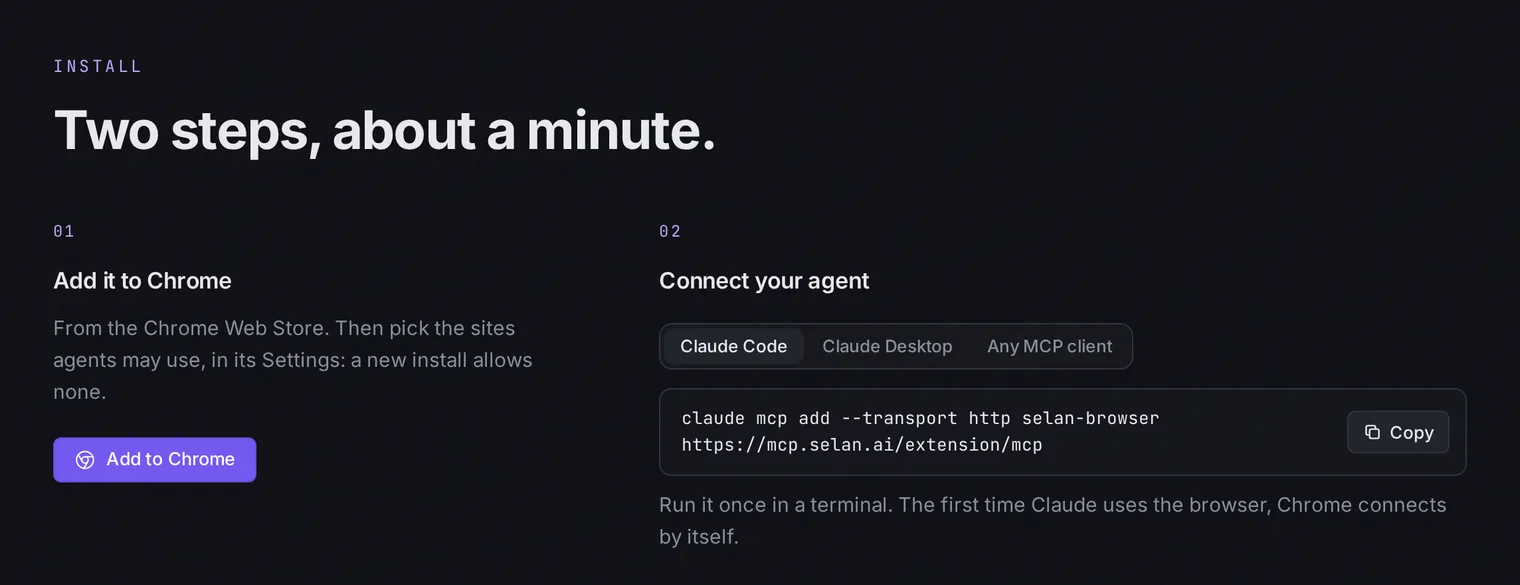
The first time your agent uses the browser, a connect page opens in Chrome. Claude Code on the same machine connects straight away. Any other app is named on the page, and nothing links until you click Connect.
What it can and cannot touch
None of the limits have changed. Agents work only in tabs the extension opened, in its own Selan tab group, and never read or touch your own tabs. They reach only the sites you allow, never a local address such as localhost, and never a password field.
The popup has Pause and Stop & release. Settings lists every connected app with its own Disconnect, and Unlink revokes them all at once.
Everything else is on the Browser Extension page.